 CopyNest
A clipboard manager for macOS
You copy fifty things a day.
A link. A phone number. An address. A code from a text message. Your Mac keeps exactly one of them.
The rest are gone.
Copy something else and the last one disappears. No undo, no history, no way back.
Three clips, already lost.
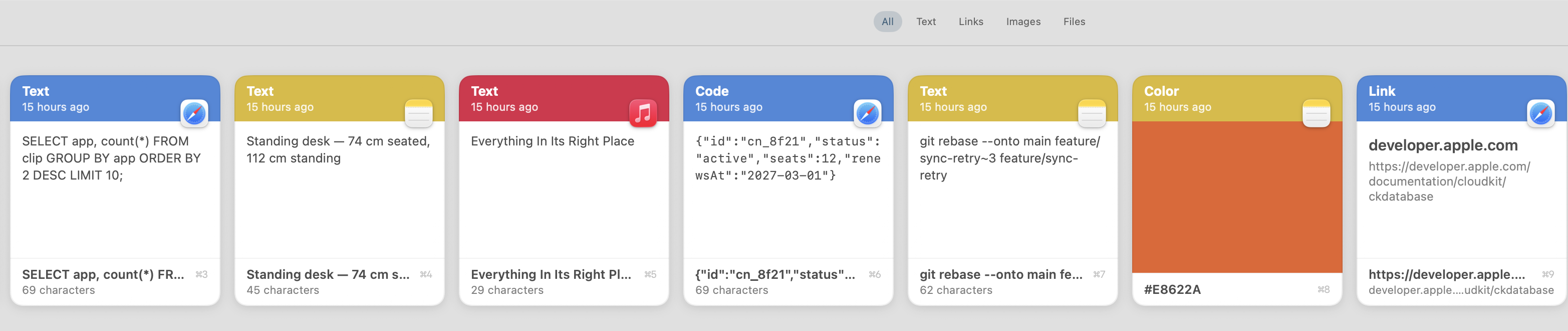
CopyNest keeps every one.
Text, links, code, images, files, colours. One shortcut brings them all back.
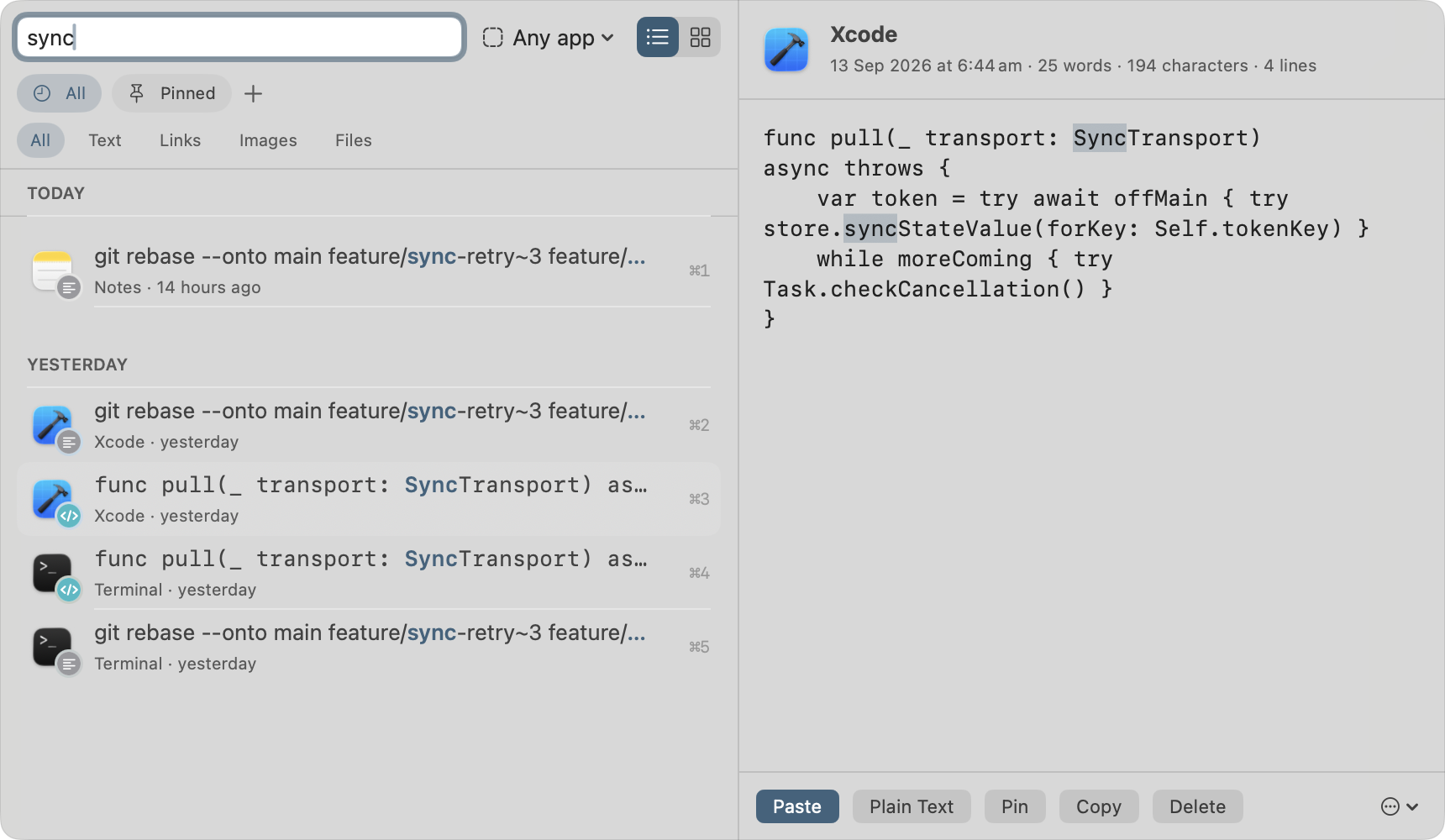
Find it by what it said.
Search the text. Filter by app, or by kind. Even the words inside your screenshots.
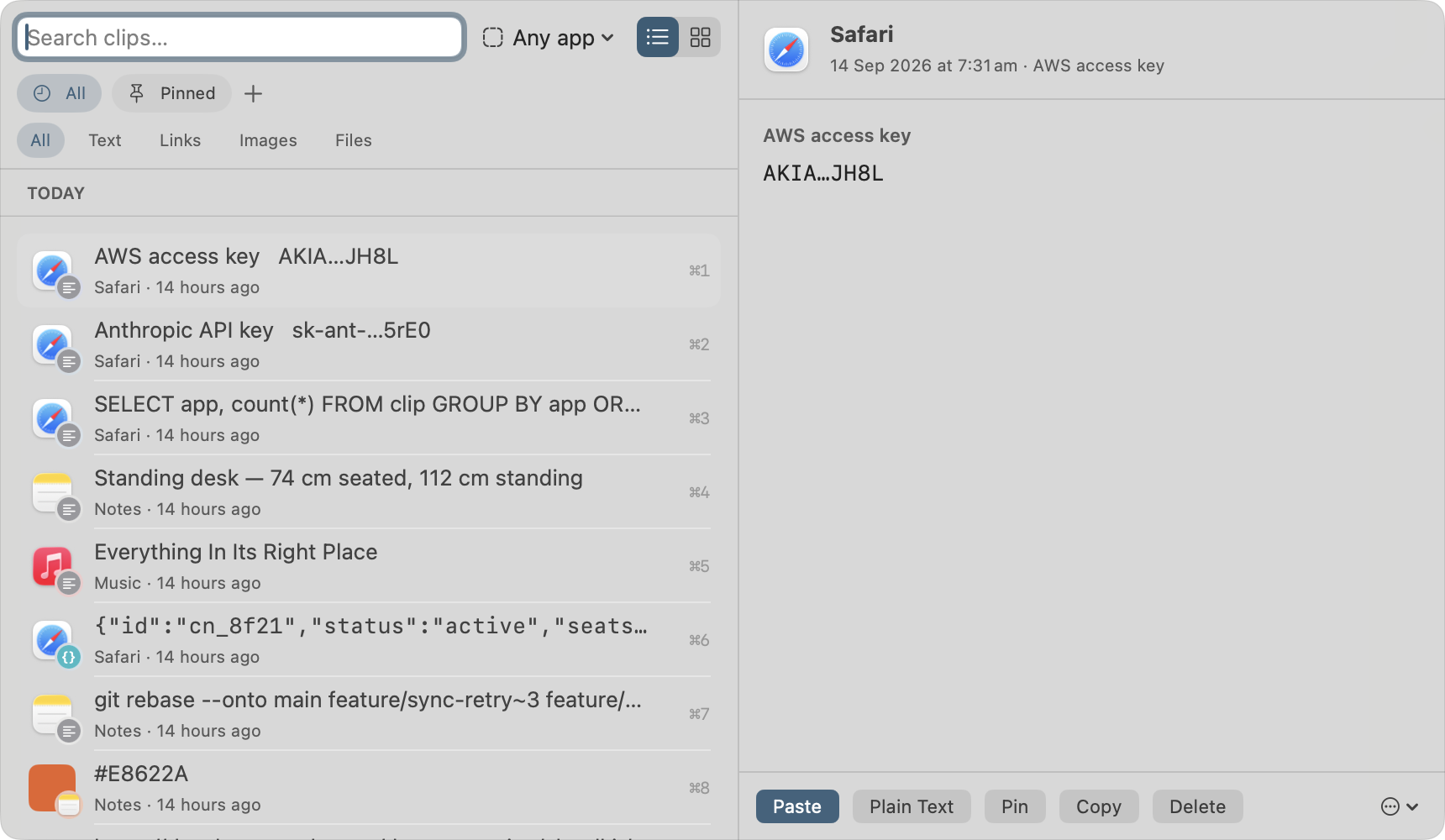
Except what it shouldn't keep
Copied a card number? It's already hidden.
Card numbers, API keys and access tokens are caught the moment you copy them. Masked in the list. Never synced, never sent to AI, never exported.
Why this one exists
Claude Code can read your clipboard.
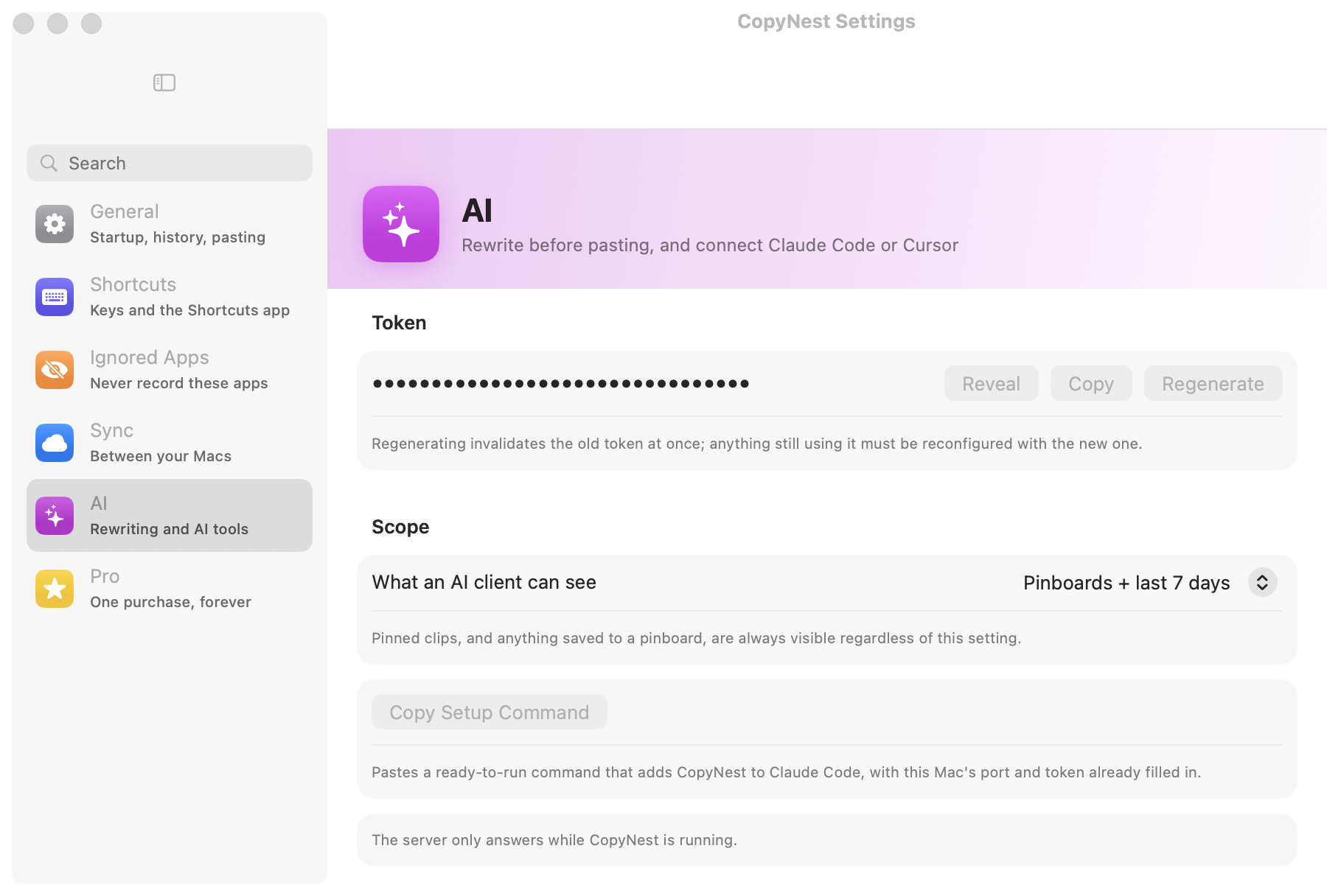
CopyNest speaks MCP over HTTP — so can Cursor, VS Code, Windsurf and Zed. They search what you copied and hand the answer straight back.
Setup
One command. That's it.
Copy it from Settings with your port and token already filled in. Choose what a tool is allowed to see. Revoke it whenever you like.
Smart paste
Paste it in the shape you need.
JSON formatted, base64 decoded, camelCase, escaped string — and only the ones that suit the clip. These are the app's real rules, running here.
Once. Not every year.
No subscription, no account, no servers, nothing collected. A free tier that never runs out, and 14 days of everything to decide.
$14.99one purchase, for good
macOS 14 or later · Apple silicon and Intel · what's in the free tier